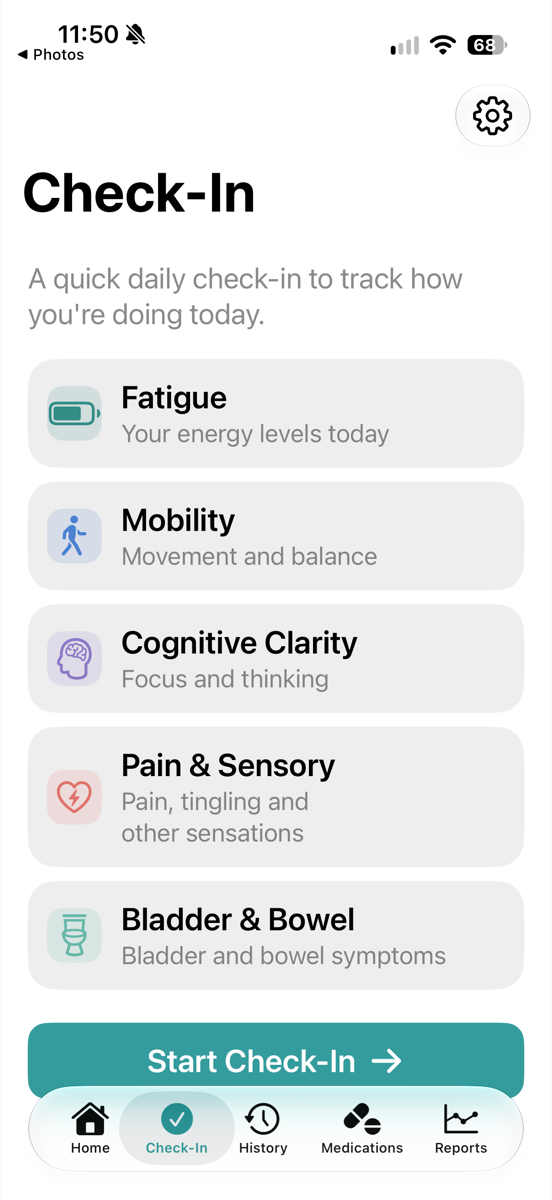
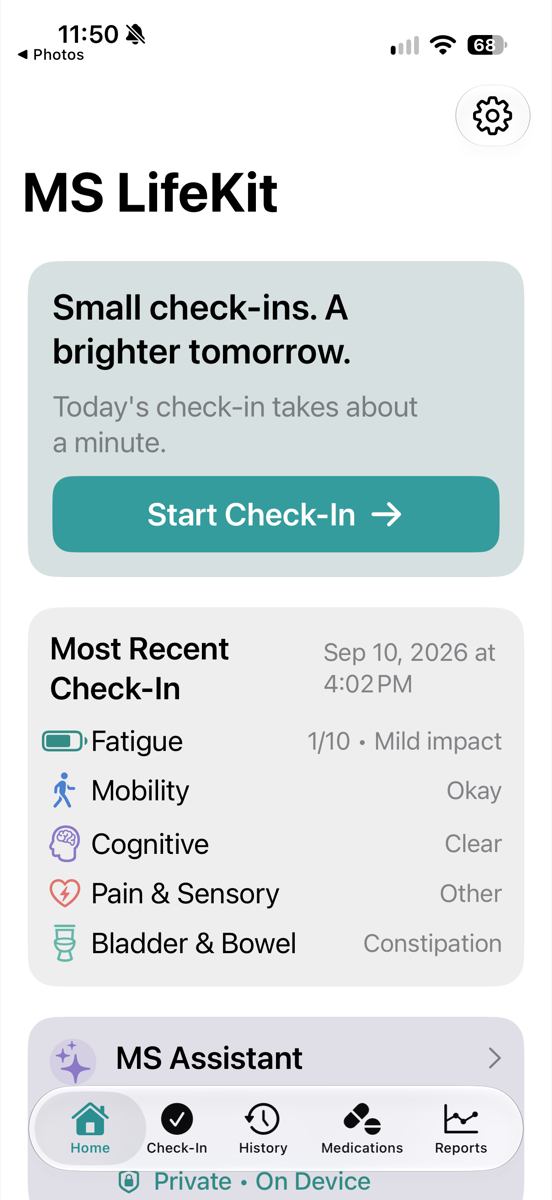
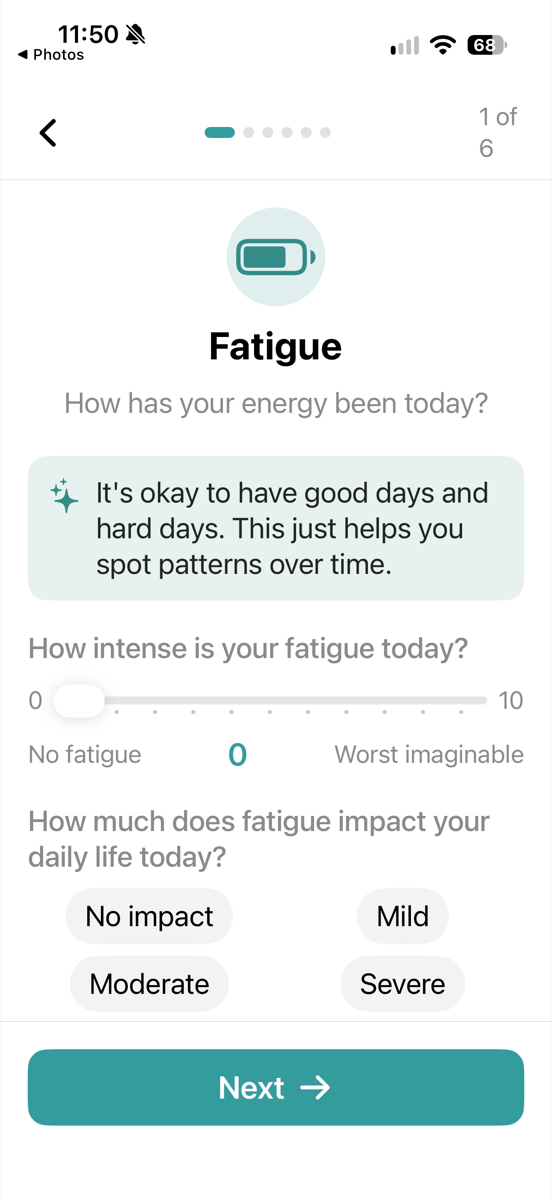
Log the day without the overwhelm.
Fatigue, mobility, cognitive clarity, pain and sensory changes, bladder and bowel. Each has its own short, guided screen with kind wording and simple answers.
- Rate energy from 0 to 10 and note how much it affects your day
- Capture walking steadiness and balance issues
- Skip any area that doesn't apply today
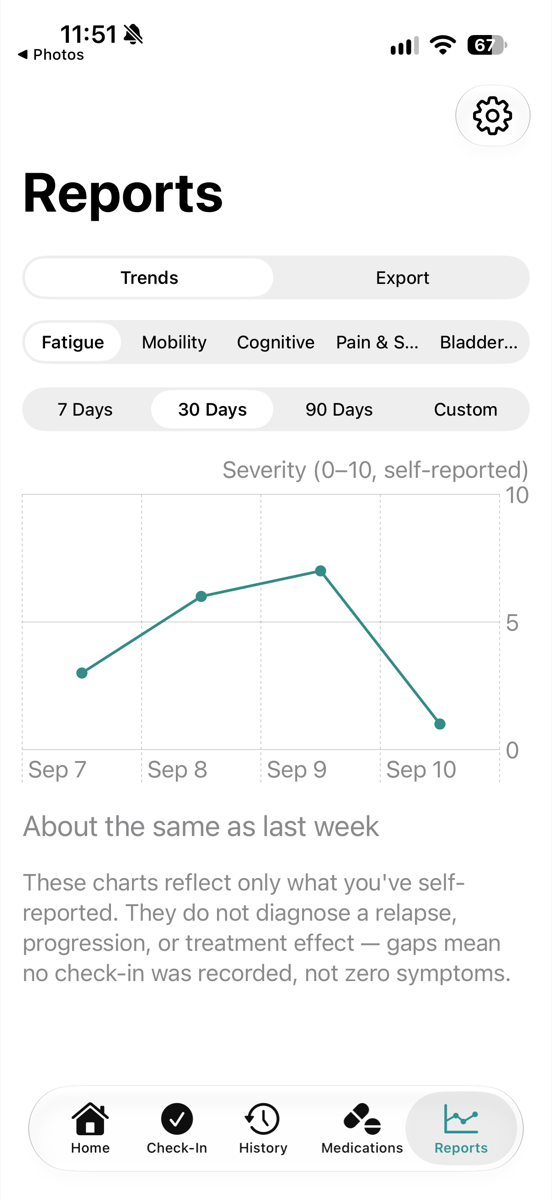
See how your symptoms change over time.
Switch between 7 days, 30 days, 90 days or a custom range and compare each symptom in an easy-to-read chart. Patterns that are hard to remember become easy to see.
- Trends by symptom, on a plain 0–10 scale
- Gaps mean no check-in, never zero symptoms
- Reflects only what you've self-reported
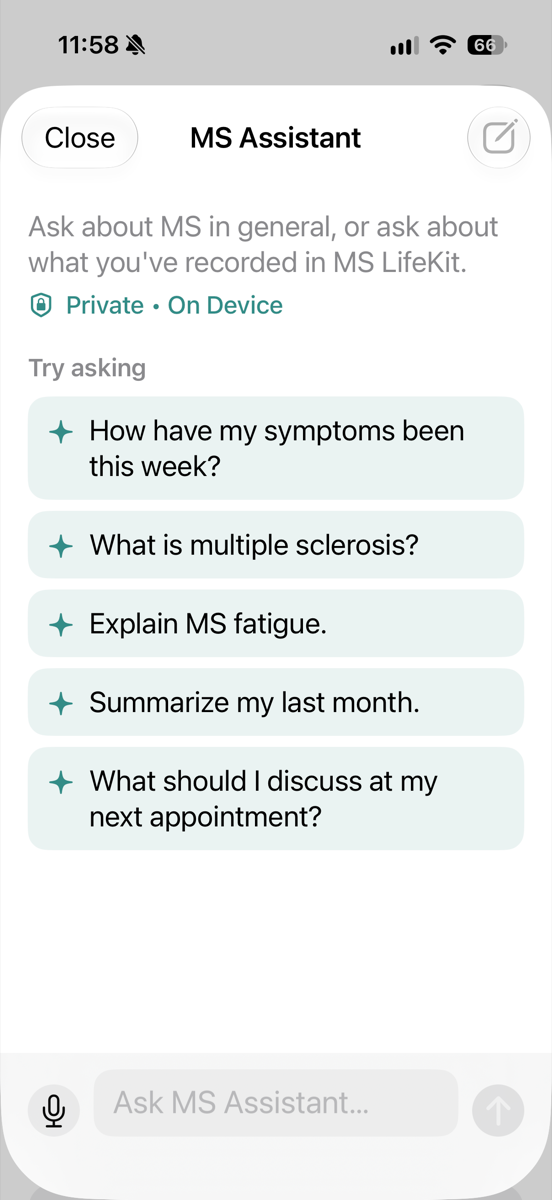
Ask anything, privately.
Get plain-language answers about MS, weekly summaries of your check-ins, and help preparing for appointments. It runs on your device, so your questions and your data don't leave your phone.
- "Summarize my last month."
- "Explain MS fatigue."
- "What should I discuss at my next appointment?"
Everything in one calm place.
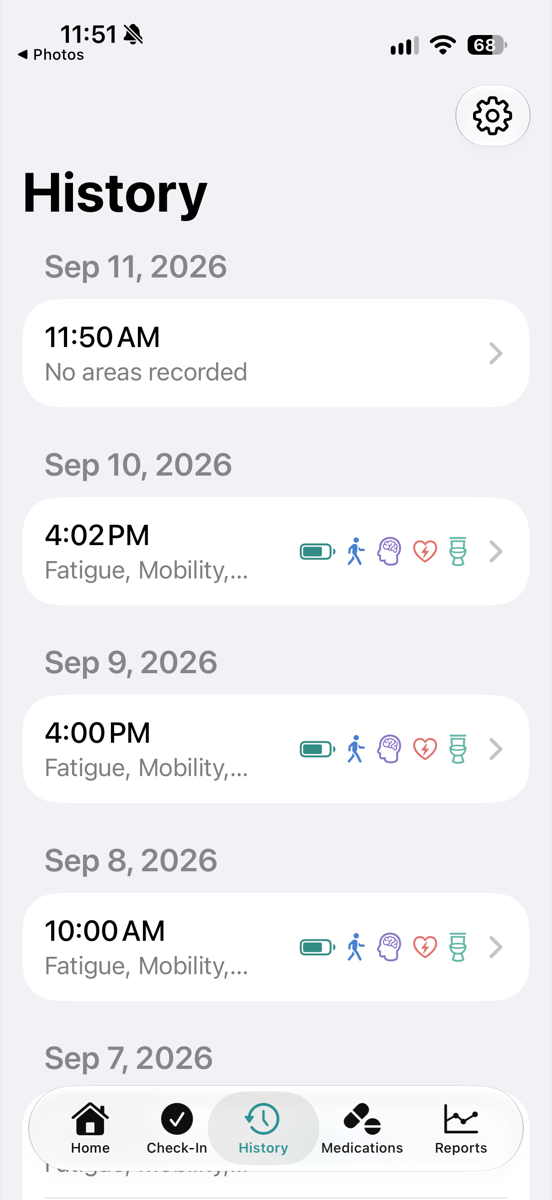
Review your history
Browse past check-ins by date and revisit what you recorded.
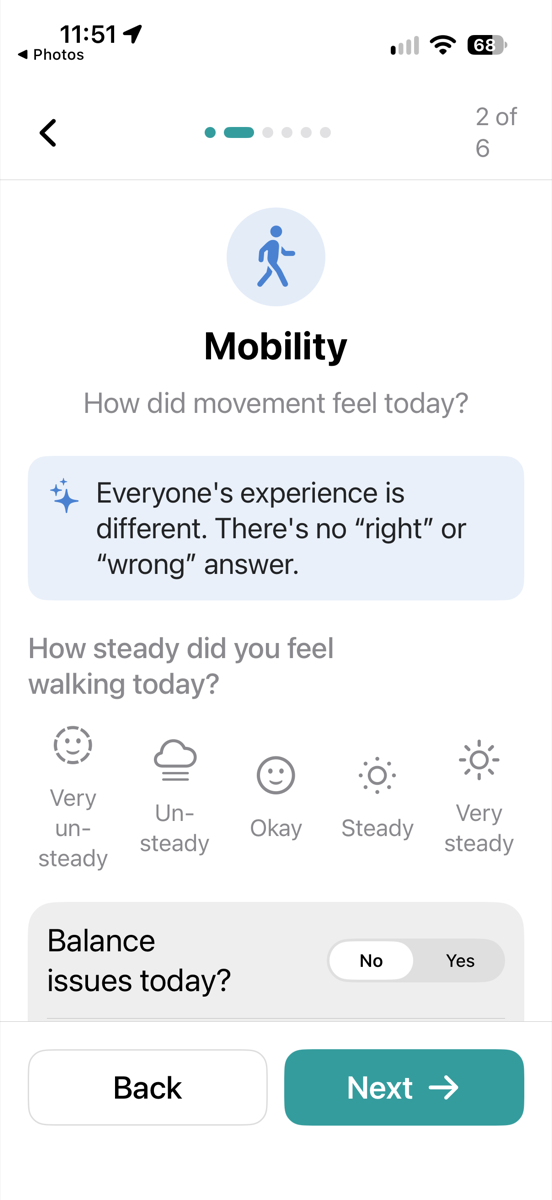
Mobility and balance
Capture walking confidence and steadiness in a simple daily check-in.
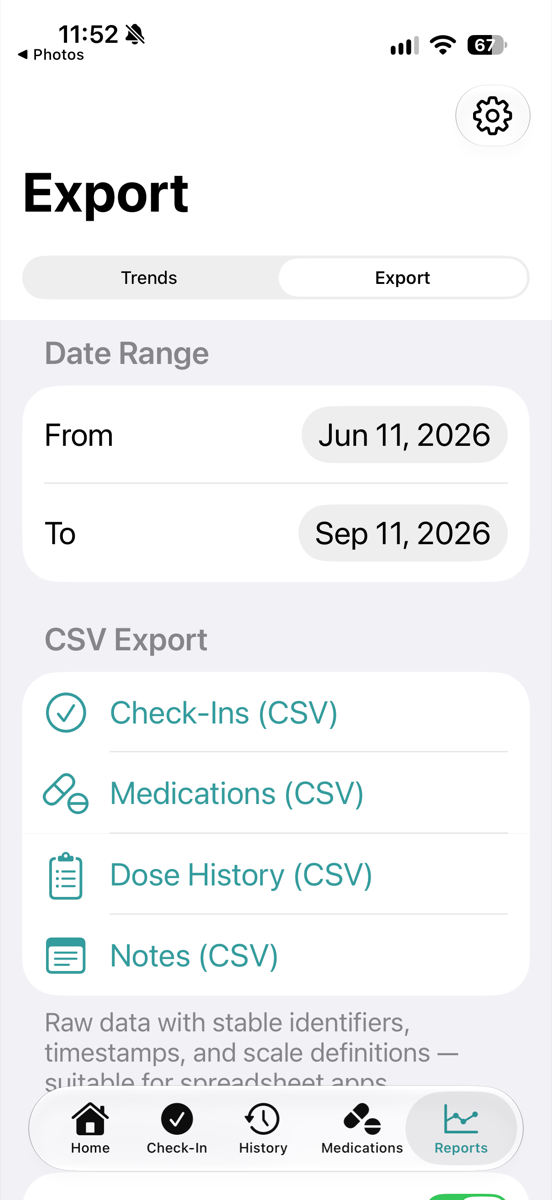
Export your data
Check-ins, medications, dose history and notes as clean CSV files for sharing or backup.
Private by design.
MS LifeKit keeps your check-ins on your iPhone, and MS Assistant runs on-device. You decide what to export and who sees it.